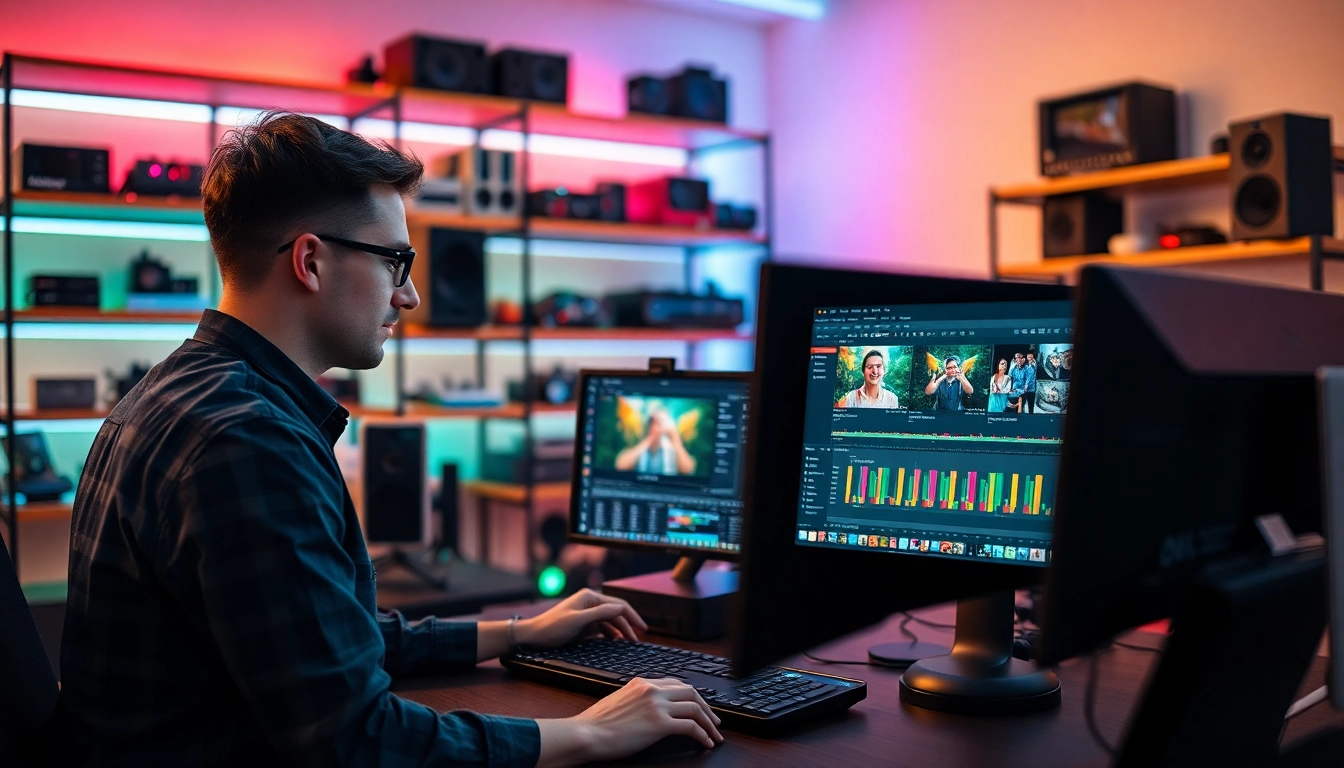
Understanding the Role of Professional Video Editors
In today's visually-driven world, video content is at the forefront of marketing, entertainment, and personal expression. To achieve high-quality results, businesses and individuals alike turn to professional video editors whose expertise shapes the narrative and aesthetic of each project.
What Do Professional Video Editors Do?
Professional video editors perform a range of crucial duties aimed at transforming raw footage into polished, engaging visual content. Their responsibilities often include:
- Assembly of Footage: Reviewing hours of raw video clips and selecting the best shots to tell a coherent story.
- Cutting and Trimming: Eliminating unnecessary footage to create a concise and impactful final product.
- Visual Effects and Transitions: Adding graphics, transitions, and effects that elevate the viewer's experience.
- Audio Editing: Improving sound quality, adding background music, and ensuring audio tracks are synchronized with video.
- Color Correction: Enhancing the visual aesthetic through color grading and correction to create a mood or tone appropriate for the project.
- Final Output: Exporting the completed video in formats suitable for various platforms, including social media, television, and web.
Essential Skills for Professional Video Editors
To excel as a video editor, several key skills are paramount:
- Technical Proficiency: A deep understanding of video editing software such as Adobe Premiere Pro, Final Cut Pro, or DaVinci Resolve is essential.
- Creativity: The ability to envision how to structure a narrative and add visual flair sets successful editors apart.
- Attention to Detail: Perfectionism in cutting, transitions, audio alignment, and visual elements are critical for delivering a polished final product.
- Time Management: Balancing multiple projects and meeting deadlines requires exceptional organizational skills.
- Collaboration: Being able to work with directors, producers, and other creatives to realize a shared vision is crucial in the editing process.
The Importance of Storytelling in Video Editing
Video editing is not merely a technical endeavor; it is a vital aspect of storytelling. The editor shapes how the audience perceives the narrative through pacing, rhythm, and emotional tone. Effective storytelling through editing can:
- Create Suspense: Using pacing and cuts to build anticipation and excitement.
- Convey Emotion: Strategic selections of footage can evoke feelings of joy, sadness, or anxiety.
- Enhance Clarity: Clear editing helps audiences understand complex narratives without confusion.
- Encourage Engagement: A well-edited piece keeps viewers interested and encourages them to seek out additional content.
Tools and Software Used by Professional Video Editors
Popular Software Choices for Video Editing
The software landscape for video editing is diverse, with numerous applications designed to cater to different needs. Some of the most popular software options include:
- Adobe Premiere Pro: Industry-standard software known for its versatility and powerful editing capabilities.
- Final Cut Pro: A favorite among Mac users, it delivers intuitive editing tools integrated into the macOS ecosystem.
- DaVinci Resolve: Renowned for its color grading capabilities, this software offers both free and paid versions, making it accessible for all levels of editors.
- Lightworks: This professional-grade software provides a user-friendly interface along with advanced features for seasoned editors.
- Filmora: Targeted more towards beginners, Filmora provides a simple interface along with essential editing features.
The Rise of Cloud-Based Editing Tools
In recent years, cloud-based editing tools have gained traction due to their accessibility and collaborative features. Software such as:
- Adobe Premiere Rush: Enables users to edit and publish videos from various devices, seamlessly syncing projects across platforms.
- Cameo: An intuitive mobile editor that provides quick editing solutions.
- Kapwing: A browser-based editing suite that provides templates and tools for rapid video production.
These tools are particularly helpful for teams working remotely, allowing multiple stakeholders to contribute to projects from various locations.
Comparative Evaluation of Top Editing Software
Choosing the right editing software can significantly impact an editor's workflow. Here's a comparative look at some factors to consider when selecting video editing software:
SoftwareBest ForKey FeaturesPrice PointAdobe Premiere ProProfessional EditingComprehensive editing tools, integration with Adobe Suite$20.99/monthFinal Cut ProMac UsersMagnetic Timeline, 4K editing$299.99 (one-time)DaVinci ResolveColor GradingAdvanced color correction tools, free version availableFree / $299 (Studio version)LightworksProfessional EditingMulti-cam editing, export options up to 4KFree / Pro from $24.99/monthFilmoraBeginnersSimple interface, essential editing tools and effects$39.99/year
The Process of Video Editing: Step-by-Step
Pre-Editing Preparation and Planning
Before diving into the editing suite, effective planning sets the stage for successful editing. Key steps include:
- Storyboarding: Create a visual outline of the video to determine narrative flow.
- Organizing Footage: Label and categorize raw footage to streamline the editing process.
- Setting Goals: Defining the objectives for the final video helps maintain focus during editing.
The Editing Workflow: From Raw Footage to Final Cut
The editing process can vary significantly from one project to another, but a typical workflow might include:
- Importing Footage: Bring all necessary media into the editing software.
- Cutting and Arranging: Assemble clips in chronological order to build the first cut.
- Fine Tuning: Edit for pacing, transitions, and flow, ensuring the video holds the viewer's attention.
- Adding Effects and Titles: Integrate visual effects, graphics, and titles to enhance storytelling.
- Audio Adjustments: Balance the sound, add sound effects, and optimize audio quality.
- Color Grading: Apply color schemes to reinforce themes and create a vivid viewing experience.
- Exporting: Output the final video, selecting appropriate formats and resolutions based on the intended platform.
Quality Control: Reviewing and Refining Edits
Once the first version is created, thorough quality control is necessary to ensure excellence:
- Initial Review: Watch through the video to identify any glaring issues or areas for improvement.
- External Feedback: Sharing the video with trusted peers or clients can provide valuable insights.
- Final Adjustments: Make necessary changes and prepare the piece for distribution.
Finding and Hiring Professional Video Editors
Where to Find Skilled Video Editors
In the digital age, sourcing skilled video editors is easier than ever. Options include:
- Freelance Marketplaces: Platforms like Upwork and Fiverr provide access to a pool of vetted editors with varying skill levels.
- Social Media Groups: Facebook and LinkedIn groups focused on video production often feature freelancer postings.
- Film Schools: Newly graduated students can offer fresh perspectives while bringing enthusiasm to projects.
How to Evaluate Video Editor Portfolios
When reviewing potential candidates, assess their portfolios with particular criteria in mind:
- Diversity of Work: A broad range of projects showcases adaptability and creativity.
- Quality of Edits: Look for smooth transitions, effective pacing, and overall polish in their previous work.
- Client Testimonials: Positive feedback from former clients can indicate reliability and professionalism.
Negotiating Rates and Contracts with Video Editors
Once you've selected a potential editor, clear communication about rates and expectations is essential:
- Understand Market Rates: Familiarize yourself with industry standards to facilitate fair negotiations.
- Be Clear on Deliverables: Define the scope of work, including the number of edit rounds and timelines.
- Contractual Agreements: Outline the terms, including payment schedules, copyright, and usage rights.
Future Trends in Professional Video Editing
The Impact of AI and Automation on Video Editing
As technology evolves, so too does video editing. Artificial intelligence (AI) is beginning to play a critical role in streamlining the editing process. For example:
- Automated Editing Software: AI can assist in organizing footage, suggesting cuts, or even creating initial drafts.
- Smart Color Grading: AI tools automate the color correction process, allowing editors to focus on more creative tasks.
- Real-time Collaboration: Cloud-based platforms enable multiple editors to work on projects simultaneously, enhancing workflow efficiency.
Emerging Styles in Video Production and Editing
The demand for innovative video styles necessitates editors stay updated with current trends:
- Short-Form Content: With the rise of platforms like TikTok, editors must adapt to creating engaging short videos.
- Interactive Video Experiences: Editors may increasingly be tasked with integrating interactive elements into their work.
- Documentary Styles: The popularity of documentary-style stories means non-fiction narrative techniques are becoming more common.
Adapting to Changes in Viewer Preferences
Engaging audiences requires editors to have their finger on the pulse of viewer preferences. This may involve:
- Analytics Utilization: Using data to understand viewing habits and optimizing video content accordingly.
- Personalization: Creating tailored content based on user demographics and preferences.
- Cultural Sensitivity: Being aware of and responsive to social and cultural shifts that influence how content is perceived.