Understanding the Basics of a POS System
What is a POS System?
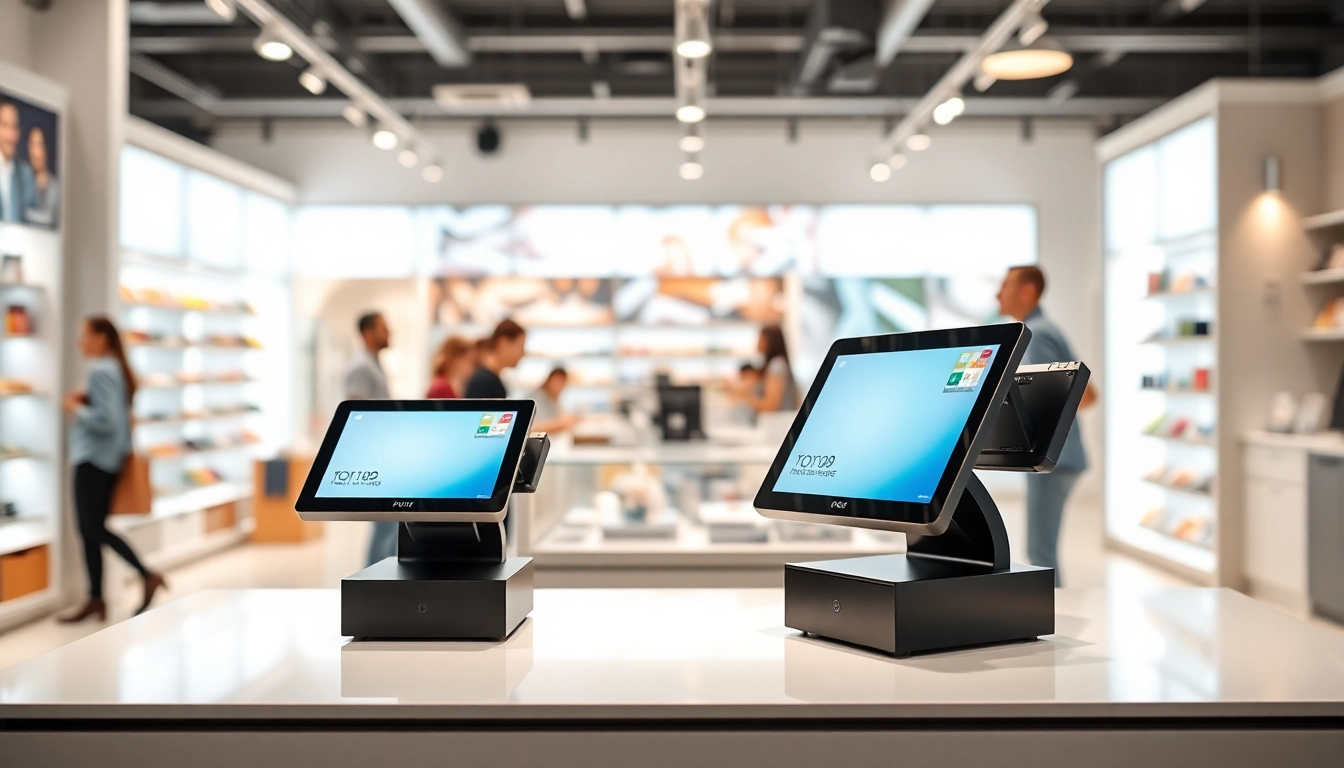
A POS system (Point of Sale system) is the combination of hardware and software that allows businesses to complete sales transactions. It serves as the central hub for processing purchases, tracking sales, and managing inventory across various types of businesses, from retail stores to restaurants. At its core, a POS system facilitates the checkout process, ensuring transactions are executed securely and efficiently.
Key Components of a POS System
The essential components of a POS system can generally be categorized as hardware and software:
- Hardware: This includes devices such as a touchscreen monitor, cash register, barcode scanner, receipt printer, and payment processing terminals.
- Software: The software component manages transactions, customer data, inventory tracking, and reporting features. This can be cloud-based or installed on local servers.
How a POS System Works
A POS system operates by facilitating the transaction process from start to finish. When a customer selects their items, the clerk scans the items using a barcode scanner. The system then calculates the total amount due, including tax. The customer can pay via cash, card, or other methods, at which point the system updates inventory levels and sales reports in real-time. It generates a receipt for the customer, completing the transaction.
The Benefits of Implementing a POS System
Improved Transaction Efficiency
At the forefront of benefits, implementing a POS system significantly enhances transaction efficiency. With automated calculations and streamlined transaction processes, businesses can manage sales in a fraction of the time it would take manually. This efficiency reduces long wait times for customers, resulting in increased satisfaction and higher sales volumes.
Data Tracking and Sales Analysis
POS systems provide powerful data tracking capabilities, allowing businesses to gather and analyze sales data effectively. Through integrated reporting features, companies can generate detailed insights regarding sales trends, inventory levels, and customer behaviors. This data-driven approach helps in forecasting demand, adjusting inventory strategies, and identifying high-performing products.
Enhanced Customer Experience
An efficient POS system plays a pivotal role in enhancing the customer experience. With swift transaction processing, accurate inventory management, and personalized service through customer data, businesses can cater to client preferences more effectively. This leads to improved relationships, loyalty, and repeat business, key components for long-term success.
Choosing the Right POS System for Your Business
Assessing Your Business Needs
Before selecting a POS system, it is crucial to assess your business needs comprehensively. Factors to consider include the type of business, volume of transactions, customer types, and specific functionalities required, such as mobile payment capabilities or inventory management. Engaging your employees in this assessment can also provide insights into their workflow needs.
Comparing Features and Costs
Not all POS systems are created equal. When comparing options, evaluate them based on their features, usability, and costs. Look for systems that offer flexibility, essential functionality like sales reporting, customer management, and ease of integration with existing systems. Comparing pricing structures—such as upfront costs versus long-term subscriptions—is also vital for budget planning.
Integration with Existing Systems
Consider how well a new POS system will integrate with your existing software and hardware. Whether it’s your inventory management system, payroll software, or e-commerce platform, seamless integration can save time and reduce errors. Always seek solutions that are compatible with your current tech setup for a smooth transition.
Best Practices for Utilizing a POS System
Training and Employee Onboarding
Employing a robust training program for employees is essential for a successful POS system integration. This training should cover operation basics, troubleshooting, and comprehensive sales practices. Continued education can empower staff to utilize the system's full features, ensuring peak operational efficiency and customer satisfaction.
Regular Maintenance and Updates
To ensure a POS system continues to provide value, regular maintenance and updates are necessary. Keeping the software updated can prevent security vulnerabilities and allow you to access new features that enhance performance. Schedule routine checks to ensure hardware components are functioning correctly and address any issues promptly.
Leveraging Customer Data
Effective use of customer data gathered through a POS system can drive sales and marketing strategies. By analyzing purchase patterns, businesses can personalize offers and create targeted loyalty programs. Understanding customer preferences provides insights into buying behaviors that can lead to increased conversion rates.
Future Trends in POS System Technology
Mobile and Cloud-Based Solutions
The future of POS systems is leaning heavily towards mobile and cloud-based solutions. Mobile POS systems allow businesses to process transactions anywhere, providing flexibility and improving customer interactions. Cloud solutions enhance accessibility, allowing real-time data updates and analytics from any location, thus enabling better decision-making.
AI Integration in POS Systems
Artificial intelligence (AI) is set to revolutionize POS systems by providing advanced analytics, inventory management, and enhanced customer service options. AI algorithms can predict inventory needs, manage supply chains intelligently, and enhance customer support through chatbots and personalized experiences throughout the purchasing process.
Enhanced Security Measures
As cyber threats evolve, the need for enhanced security measures within POS systems becomes increasingly critical. Future trends are expected to include more robust encryption technologies and compliance with evolving industry standards. Businesses must prioritize data protection to maintain customer trust and prevent data breaches.
Frequently Asked Questions
What is the purpose of a POS system?
A POS system manages transactions in retail environments, processing sales, tracking inventory, and analyzing customer data to streamline operations.
How can a POS system improve customer satisfaction?
By speeding up transaction processes and enabling personalized service, a POS system enhances the overall shopping experience for customers.
Is it difficult to train employees on a POS system?
While initial training can take time depending on the system's complexity, comprehensive onboarding and ongoing education can ease the learning curve for employees.
What features should I look for in a POS system?
Important features include sales reporting, inventory tracking, customer management, integration capabilities, and mobile access options to meet business needs effectively.
How can I ensure my POS system is secure?
Implement strong encryption, regularly update software, and stay compliant with security standards to protect customer data and transaction security.