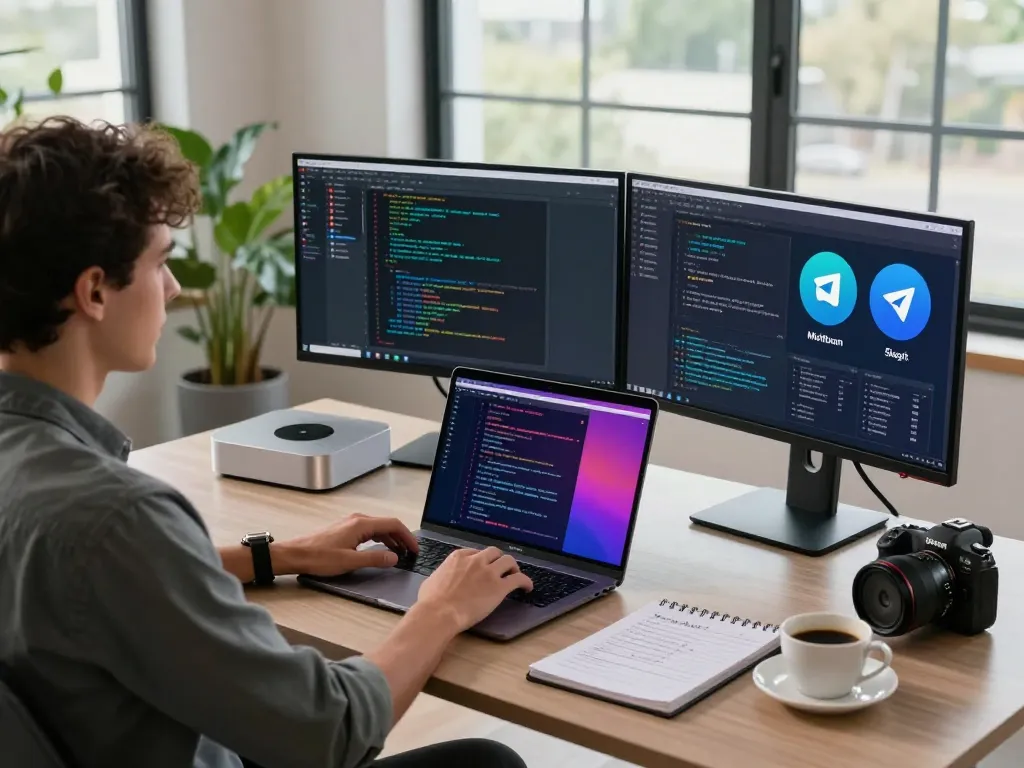
What is Moltbot AI and Why Choose It for Your Mac Mini?
Moltbot AI, formerly known as Clawdbot, is revolutionizing the landscape of artificial intelligence assistants. Designed for seamless operation on your mac mini, it empowers users with an open-source platform that not only understands your needs but also remembers your preferences. Unlike traditional AI that merely echoes commands, Moltbot AI brings a proactive touch to personal assistance, making it an ideal choice for individuals seeking an efficient solution to manage their digital lives.
With its unique offerings, such as persistent memory and system-level execution capabilities, Moltbot AI stands out as a transformative tool. Imagine having an assistant that not only remembers your tasks but also acts upon them, all while integrating effortlessly with over 100 platforms. This reduces the cognitive load on users and redefines how we interact with technology.
Understanding the Core Features of Moltbot AI
Moltbot AI is equipped with several core features that enhance its functionality:
- Persistent Memory: Unlike standard AI assistants that forget past interactions, Moltbot retains context over weeks, adapting to your preferences.
- System-Level Access: It performs tasks beyond conventional recommendations, such as executing commands and navigating your device.
- Proactive Notifications: Moltbot communicates significant updates through channels like Telegram and WhatsApp, ensuring you never miss crucial information.
- Universal Compatibility: Designed to work seamlessly with macOS, Windows, and Linux, Moltbot is ideal for users across different platforms.
How Moltbot AI Enhances Your Mac Mini Experience
Using Moltbot AI on a Mac Mini allows users to leverage the device’s powerful hardware in conjunction with the intelligence of this assistant. The Mac Mini's energy efficiency and compact design make it an excellent host for an AI system that demands consistent performance. As users engage in daily tasks, the synergy of Moltbot AI and Mac Mini results in a truly optimized working environment.
Moreover, the Mac Mini can run Moltbot AI with minimal overhead, allowing for high performance without the need for extensive resources. This is particularly beneficial for developers and entrepreneurs who rely on efficient task management.
The Benefits of Open-Source AI on Your Device
One of the standout advantages of Moltbot AI is its open-source nature. This feature means that users can modify the assistant to meet unique requirements, allowing for personalized experiences that proprietary software simply cannot offer. Developers can contribute to the project, further enhancing its capabilities while ensuring that user feedback directly shapes its evolution.
Additionally, running an open-source AI on personal hardware, such as the Mac Mini, increases data privacy. Users maintain control over their interactions, which is invaluable in an age where data security is paramount.
Setting Up Moltbot AI: The Installation Process
Installing Moltbot AI on a Mac Mini is a straightforward process. Users can choose from various methods depending on their technical expertise. Here’s a brief overview of the installation options:
Step-by-Step Guide to Installing on macOS
For those using macOS, the installation process is designed to be user-friendly:
- Download the latest version of Moltbot AI from the official repository.
- Open Terminal and input the installation command.
- Follow the prompts to complete the installation process.
This method is recommended for most users, ensuring a quick setup without the hassle of manual configurations.
Using Command Line Installations for Advanced Users
Advanced users may prefer utilizing command-line interfaces for installation:
- For macOS/Linux: Use a simple one-liner command to initiate the installation.
- For Windows Users: Options are available through both PowerShell and Command Prompt.
- npm or pnpm Package: Those with Node.js can opt for either package manager for installation.
This versatility caters to different preferences and technical skills, making Moltbot accessible to a broader audience.
Exploring the Universal Compatibility of Moltbot
A significant selling point for Moltbot AI is its universal compatibility. This feature allows it to operate smoothly across various operating systems, ensuring that whether you're using a Mac Mini, a Windows PC, or a Linux setup, you can benefit from its advanced functionalities. The installation process adapts to different environments, reducing barriers for users.
Maximizing Performance: Moltbot AI's Unique Functionalities
Once installed, users can leverage Moltbot AI's unique functionalities to enhance productivity and workflow efficiency. Here’s how:
Persistent Memory System: A Game-Changer for Productivity
Persistent memory is at the core of what makes Moltbot AI indispensable. This system means that the assistant remembers your preferences and past interactions, allowing it to provide tailored responses and suggestions.
For instance, if you frequently ask about project deadlines or specific reminders, Moltbot can preemptively bring these up at relevant times, making it a proactive collaborator rather than just a reactive tool.
Proactive Communication Features to Keep You Updated
Moltbot AI's ability to communicate proactively is another critical feature. Instead of simply responding to queries, it can send notifications and alerts based on your set preferences. This ensures that you are always in the loop about significant updates in your projects or daily tasks.
For example, if there’s a deadline approaching or an email from a key client, Moltbot can notify you through your preferred messaging platform, allowing you to react promptly.
System Integration Across Multiple Platforms
A standout aspect of Moltbot AI is its ability to integrate with over 100 different platforms seamlessly. Whether it’s managing your calendar, coordinating with GitHub for software projects, or automating social media updates, the integration capabilities of Moltbot are impressive.
This eliminates the need for constant switching between applications, streamlining your workflow and maximizing efficiency.
Cost-Effectiveness: Why Self-Hosting Moltbot AI Saves You Money
One of the primary concerns for many users considering an AI assistant is cost. Moltbot AI presents a cost-effective alternative to subscription-based models. Let’s take a closer look at the financial implications of self-hosting Moltbot AI:
A Closer Look at API Costs for Your Mac Mini
The ongoing costs associated with Moltbot AI primarily stem from API usage, ranging between $5 and $50 monthly depending on the model and frequency of use. This is significantly lower than many subscription models that can run upwards of $20 to $50 per month for similar functionalities.
By self-hosting, users gain the advantage of customization while keeping their operational expenses predictable and manageable.
Comparing Subscription Models with Moltbot’s Flexibility
Moltbot AI’s pricing is particularly attractive when compared to traditional AI assistants that charge monthly fees. With Moltbot, payment is based purely on usage, allowing you to scale your costs in accordance with your needs.
This flexibility is especially advantageous for freelancers and small business owners who may need different levels of assistance during varying project phases.
Evaluating Long-Term Savings with Self-Hosting
Beyond the immediate savings, self-hosting Moltbot AI can lead to significant long-term benefits. With no recurring subscription fees and only minimal monthly API costs, users can save hundreds each year. This makes Moltbot not just a practical choice but an economically sound decision for anyone looking to harness the power of AI.
User Experiences: Real Testimonials and Case Studies
Understanding how Moltbot AI impacts real users can provide valuable insights into its effectiveness. Here are several testimonials from diverse professionals:
Transformative Experiences from Diverse Users
Many users have reported transformative experiences since incorporating Moltbot AI into their daily routines. For example, a Product Manager noted, “Moltbot AI completely transformed how I handle my daily tasks. It remembers my settings automatically, sends me daily summaries proactively, and manages code releases effortlessly. The lasting memory capability is game-changing!”
How Developers Customize Moltbot for Their Needs
Software developers have found immense value in Moltbot’s customizability. One user stated, “As a coder, I value that Moltbot is open-source and runs on my own server. I've added custom capabilities, and it now handles GitHub alerts and code deployments automatically.” This flexibility makes it an essential tool for many in the tech industry.
The Impact of AI on Daily Productivity Tasks
Professionals in various fields have shared that Moltbot has streamlined their workflow. For instance, an Entrepreneur mentioned, “Using Moltbot AI on my Mac Mini M4 has been extremely cost-efficient. No monthly fees—only usage-based API costs. Additionally, my information stays fully confidential!” This highlights how self-hosting contributes to both efficiency and privacy.
What is the setup process for Moltbot AI on Mac Mini?
The setup process is quite simple and user-friendly, especially for those familiar with command-line interfaces. Users can choose from several installation methods, ensuring that they can get Moltbot up and running in no time.
How does Moltbot AI integrate with other platforms?
Moltbot AI’s compatibility with over 100 platforms means that it can be customized to fit seamlessly into existing workflows. This allows users to automate tasks and improve productivity significantly.
What are the cost implications of using Moltbot AI?
The cost implications are minimal compared to subscription-based models, as users only pay for the API usage. This makes it an appealing option for anyone looking to reduce operational costs associated with AI assistants.
Can Moltbot AI be used with other operating systems?
Yes, Moltbot AI has been crafted for universal compatibility, meaning it can operate on macOS, Windows, and Linux systems. This flexibility allows users to benefit from its features irrespective of their preferred environment.
What unique features does Moltbot AI offer?
Unique features of Moltbot AI include its persistent memory system and proactive communication abilities, as well as its capacity for system-level execution. These functionalities collectively redefine what users can expect from an AI assistant.